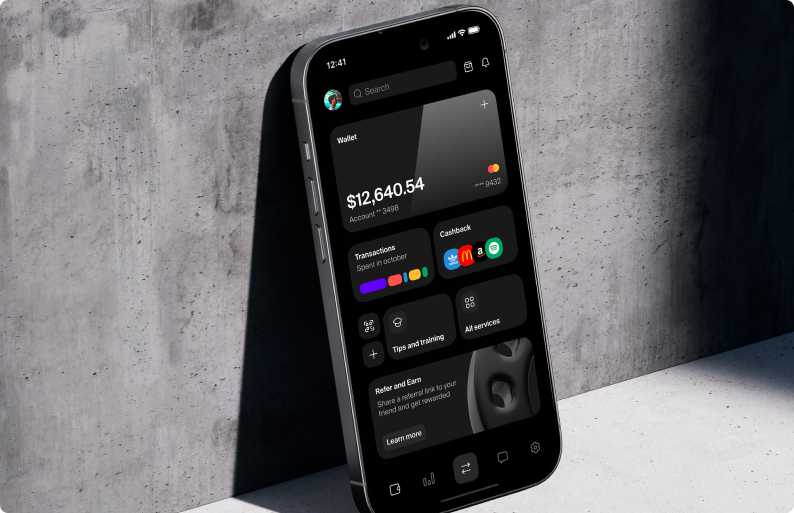
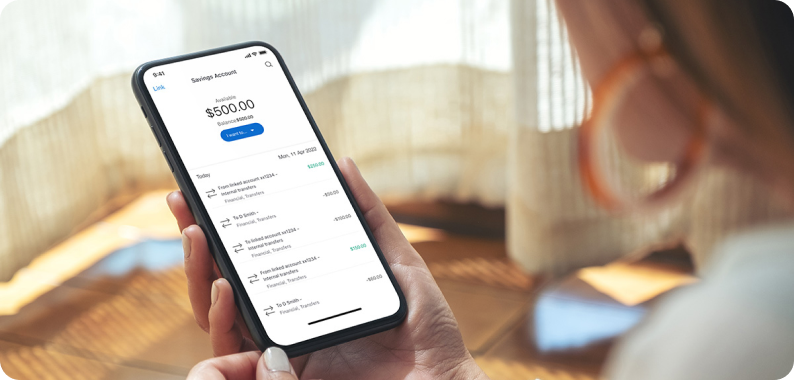
The app’s interface was overwhelming and unintuitive, causing frustration among users trying to perform basic tasks like transferring funds or viewing transaction history. OptiBank needed a clean, efficient design to enhance user experience and boost app engagement.
Our Approach
We focused on reducing friction and creating a clear, simple user flow:
Minimalist Dashboard:
Designed a modular dashboard that allows users to rearrange widgets based on their needs (e.g., balance overview, recent transactions).
Displayed only essential information upfront with easy access to detailed reports.
Quick Actions Menu:
Added a floating action button (FAB) giving one-tap access to common actions (e.g., transfer, pay bills, check balance).
Introduced a bottom-sheet interface for easy navigation without overwhelming the user.
Enhanced Security and Notifications:
Implemented biometric login (face and fingerprint recognition) for quick, secure access.
Added real-time push notifications for every transaction and low-balance alerts to keep users informed.
Results
40% improvement in task completion time, with users able to complete transfers and bill payments faster.
User satisfaction score increased by 22%, with positive feedback on the minimalist design.
10% growth in the number of active users within the first three months of the redesign.
Client Feedback
"The redesign of OptiBank’s app transformed the user experience. Our customers love how easy it is to use, and the quick actions menu is a big hit!" — Head of Digital Banking, OptiBank